

Features
Everything your screens need. One price.
Video walls, emergency alerts, menus from Google Sheets, an API, touch kiosks and background music are all included for $6 per screen. No tiers and no add-ons.
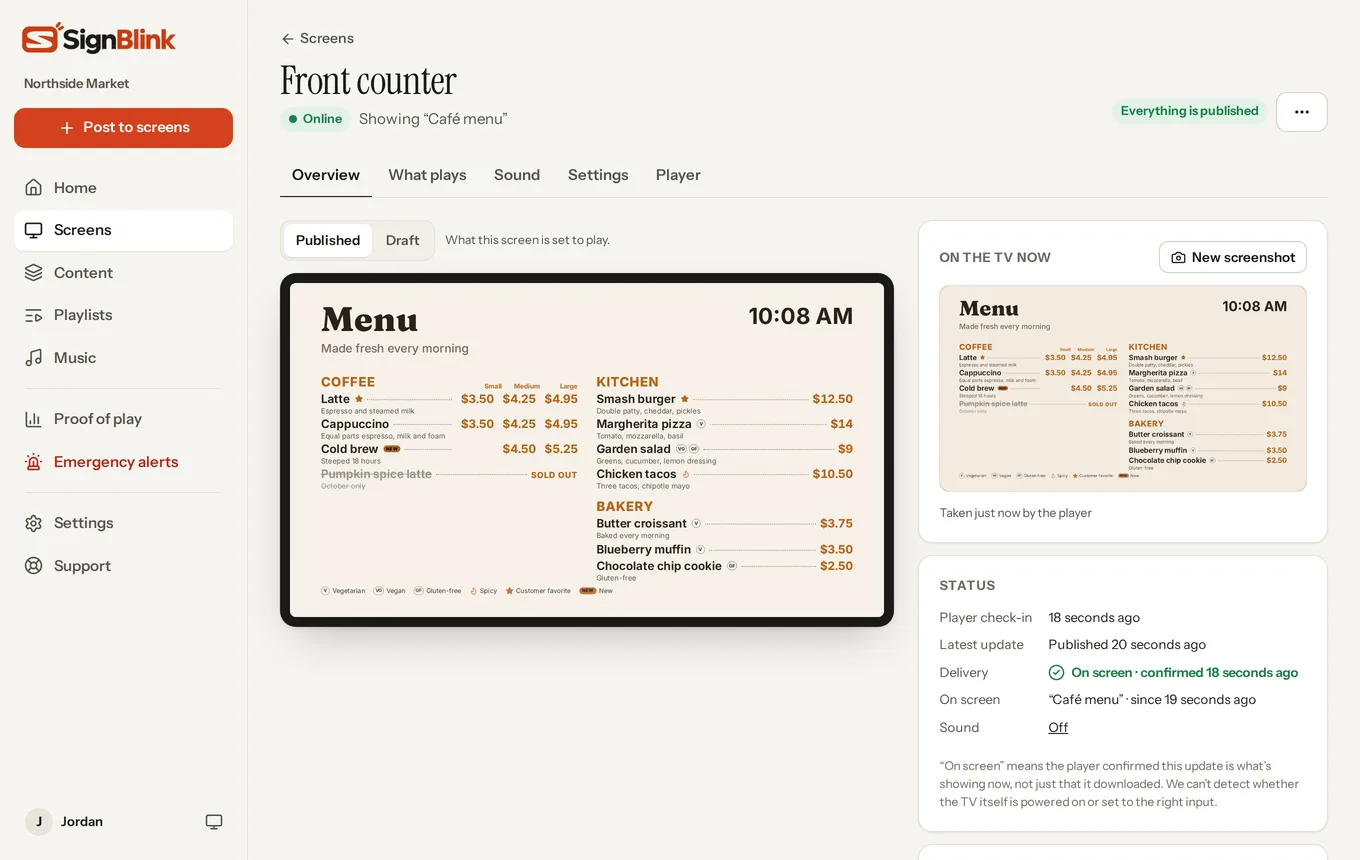
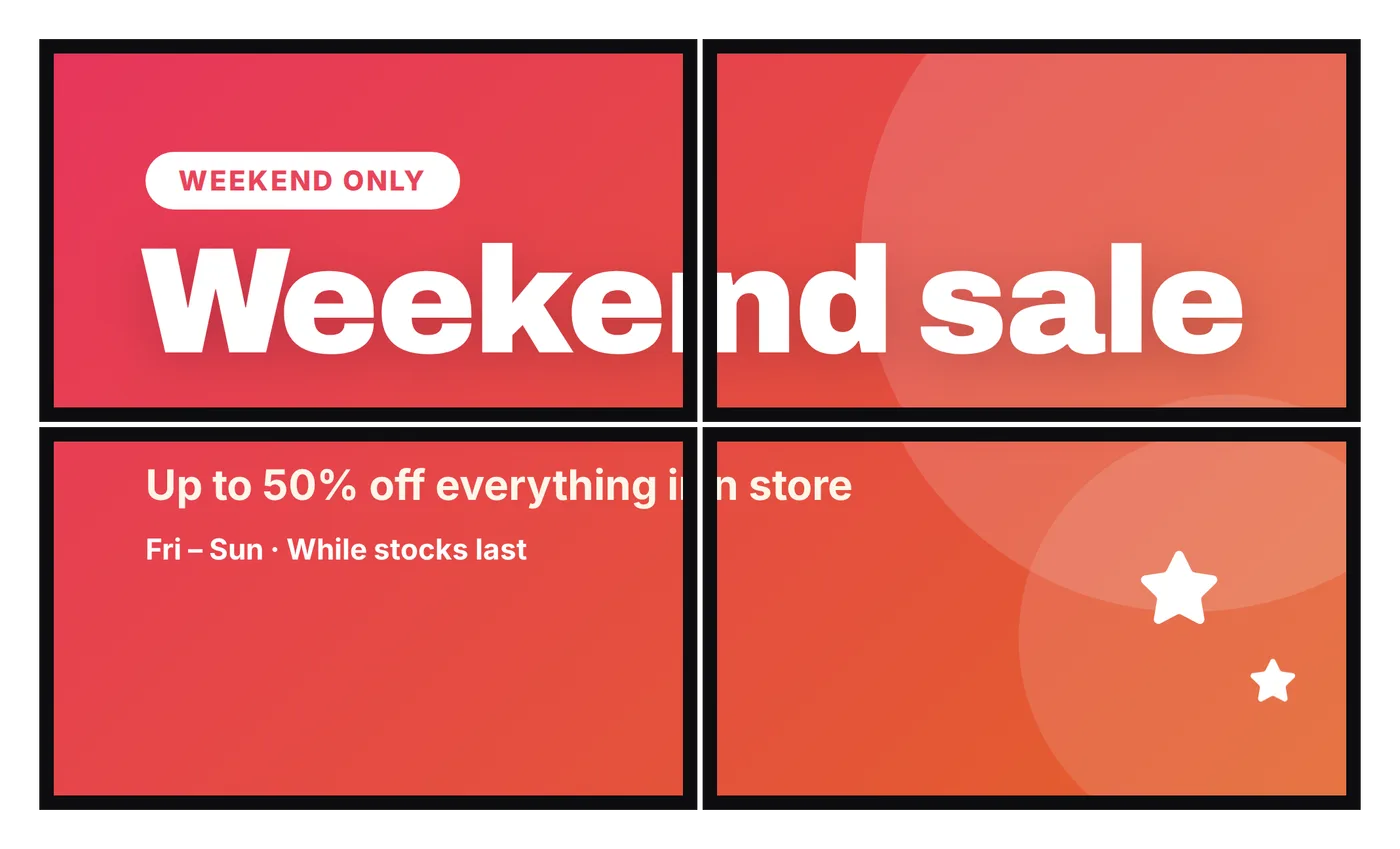
Video walls
Join TVs into one giant picture, line them up from your phone, and keep every TV in step. No video wall fees.
See video walls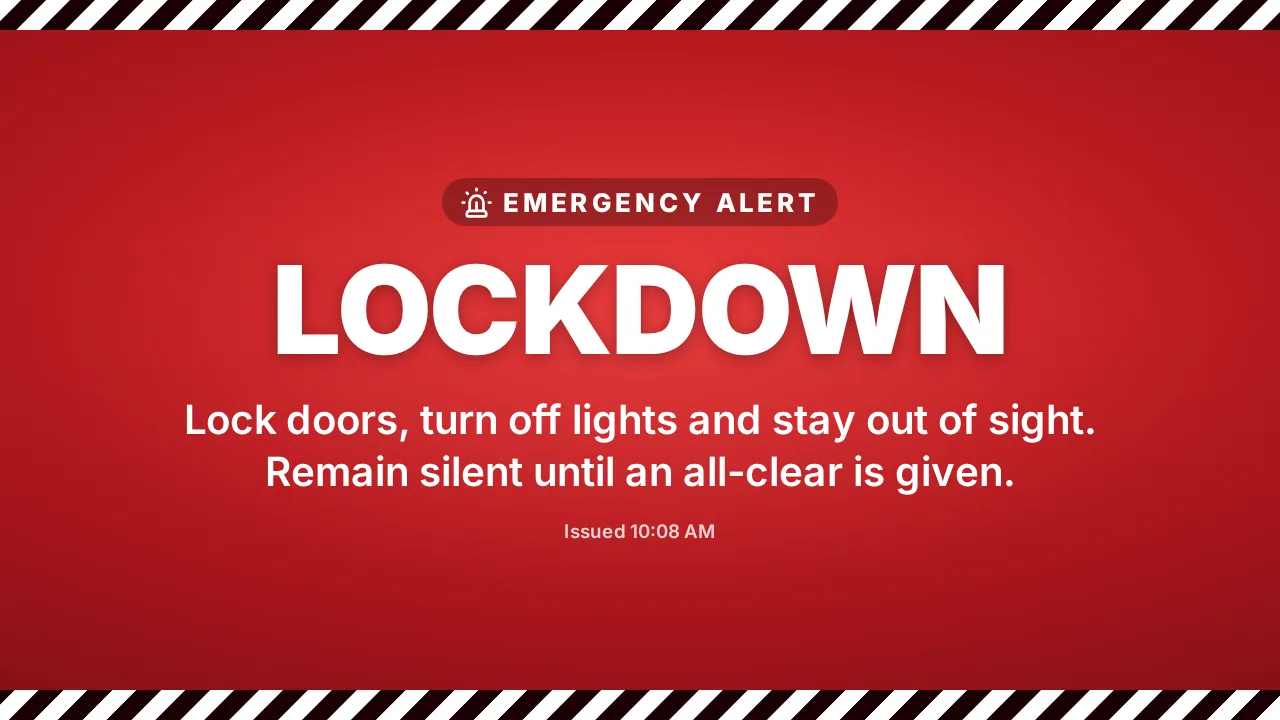
Emergency alerts
Lockdown, evacuate, severe weather or closing early: take over every screen in seconds, with no publishing.
See emergency alerts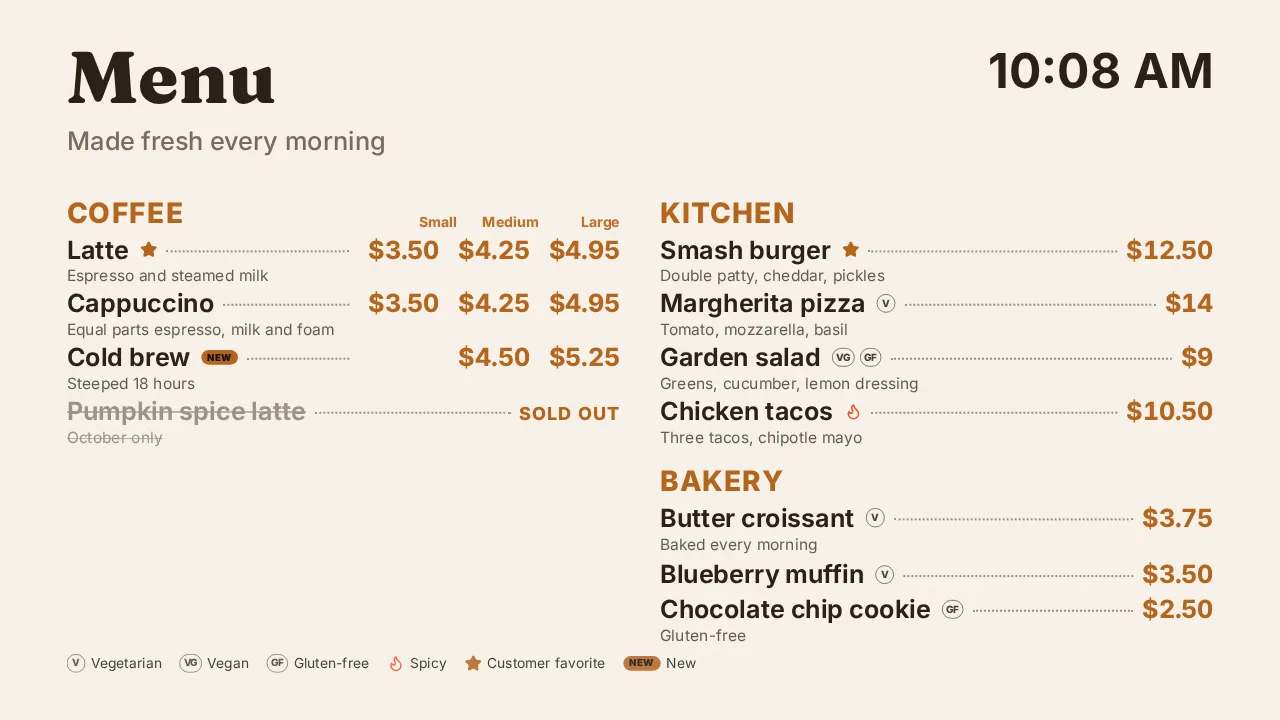
Menu boards from Google Sheets
Change a price in a spreadsheet and every menu board updates in about two minutes.
See menu boards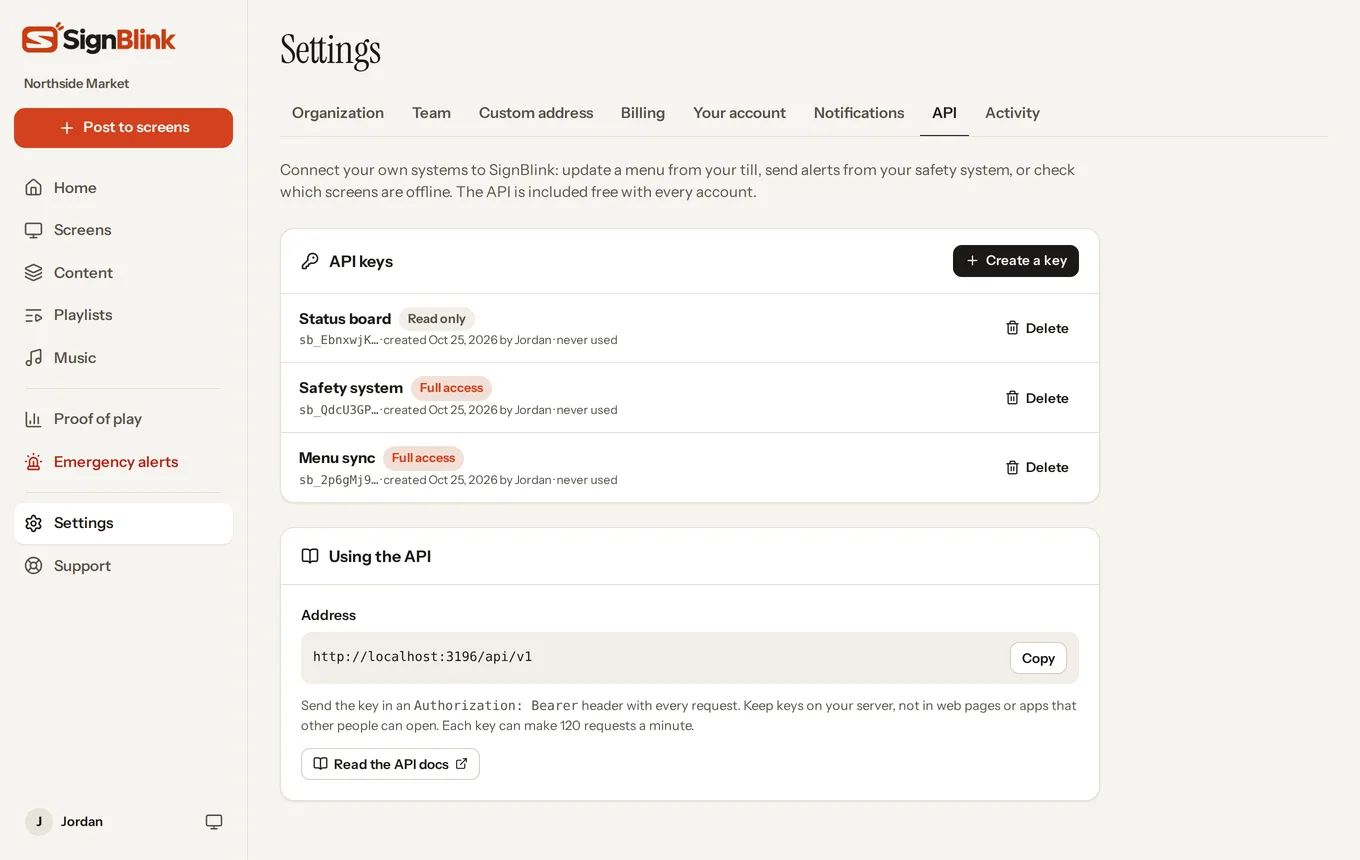
An API, free on every plan
Update screens from your point of sale, send alerts from your safety system, and watch for offline screens.
See the APIAnd everything else.
Every feature below is on every account. Each one links to a step-by-step guide in the Help Center.
Screens and players
- Free apps for Fire TV, Android TV and WindowsOpen at power-on, stay full screen, and recover on their own. Players
- Raspberry Pi in one commandA low-power player that runs for months untouched. Guide
- Delivery receiptsSee the moment each TV confirms your update is on screen. Guide
- Screenshots from the TVSee exactly what a screen is showing, from anywhere. Guide
- Keeps playing offlineDownloaded content plays through internet drops.
- Remote restart, mute and identifyFix most things without walking over. Guide
- GroupsChange, publish, mute or restart many screens at once. Guide
Content and design
- A designer with over 100 templatesMenus, offers, events and holidays, for landscape and portrait. Guide
- Live widgetsClocks, weather, calendars, sports scores, news and QR codes. Guide
- Calendars that syncGoogle Calendar, Outlook, iCloud and booking systems. Guide
- Slides and dashboardsGoogle Slides, Power BI, Tableau and Looker Studio. Guide
- Animations and effectsEntrances, gentle motion, confetti, snow and over 2,000 stickers. Guide
- Photos, videos, PDFs and CanvaVideos are converted for smooth playback; PDF pages become slides. Guide
- Free stock photos and videosSearch a large free library right inside the designer.
- YouTube and live web pagesFull screen or inside a design. Guide
- Share a designSend a link another account can copy. Guide
Playlists and scheduling
- Drafts and publishingWork on changes without the TVs changing halfway through. Guide
- Schedules by time and dayBreakfast, lunch and weekend menus switch by themselves. Guide
- Items that expirePromotions appear and disappear on the dates you set. Guide
- Quick posts from your phoneA special or announcement on screen in a few taps. Guide
- Split screenZones that each play their own playlist, plus a ticker. Guide
- Touch kiosksButtons that open pages, change slides or open websites. Guide
- Info barThe time, your logo or a scrolling message beside your content. Guide
Music and sound
Safety and insight
- Emergency alertsEight ready-made alerts, three styles, any screens. Alerts
- Automatic weather warningsNational Weather Service warnings on screens by themselves (US). Guide
- Email when a screen goes offlineAnd when it's back, or slow to take an update. Guide
- Proof of playWhat each screen showed and for how long, as a spreadsheet. Guide
- Activity logWho published, sent an alert or changed a setting. Guide
Teams and business
- Your whole team, no seat limitsStaff and owner roles. Guide
- Two-step sign-inAuthenticator codes, recovery codes and remembered devices. Guide
- Your own address and logoSign in at signage.yourbusiness.com. Guide
- IntegrationsGoogle Calendar, Outlook, Sheets, Slides, Power BI, Zapier, Make and more. Integrations
- The SignBlink API and webhooksConnect your own systems. API
- Real helpA Help Center with guides for everything, and support tickets. Help Center
All of it for $6 per screen.
Or $60 per screen a year. Some signage software charges extra for video walls, music, alerts or the API. See how we compare.