

Features · Video walls
Turn several TVs into one giant screen.
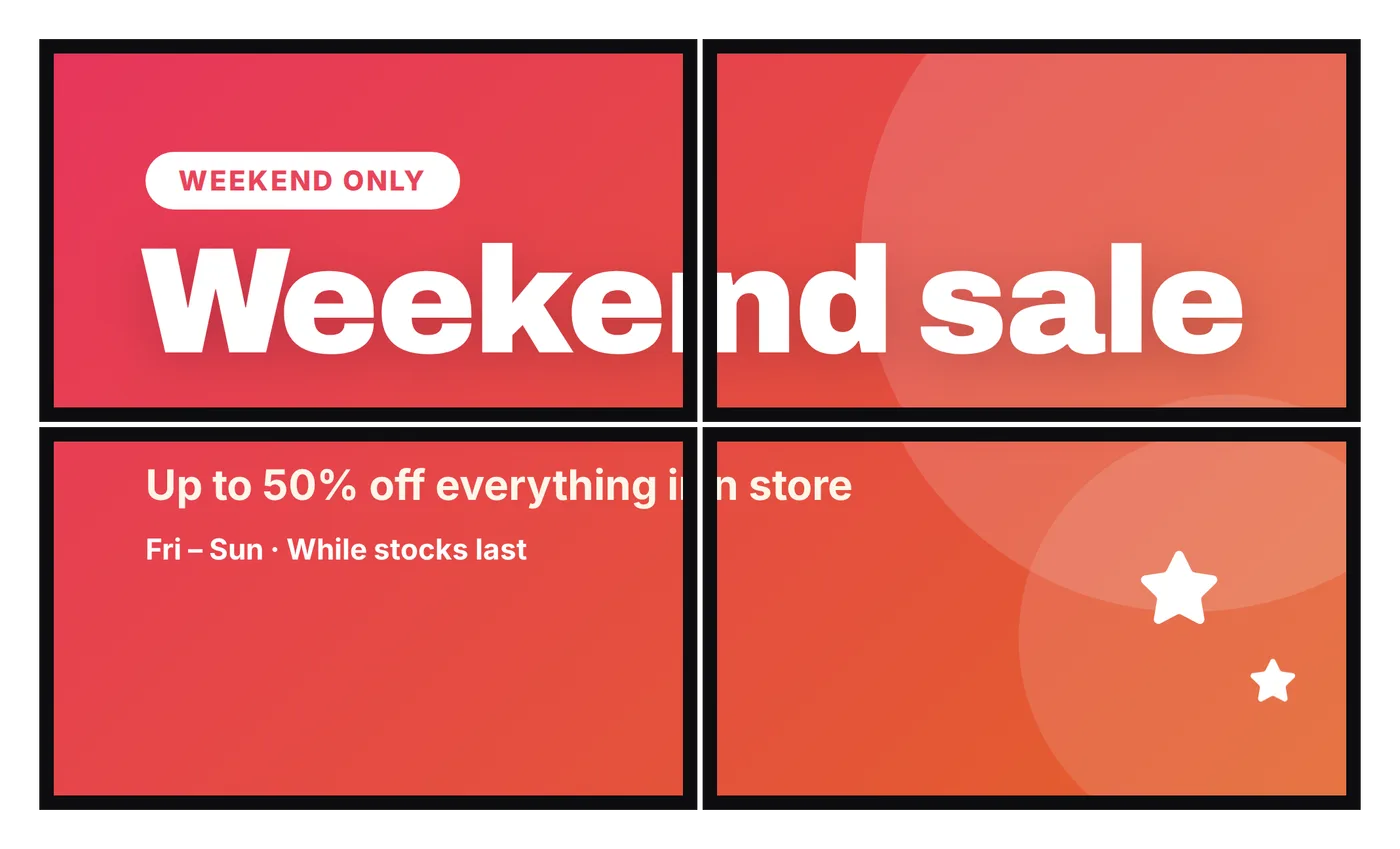
Join 2 to 25 TVs into a video wall. Line them up to the pixel from your phone, and SignBlink keeps every TV in step. Included on every plan, with no video wall fees.
$6 per TV · a 2 × 2 wall is $24 a month, all in
Up in three steps.
Connect each TV
Every TV gets its own player, like a Fire TV Stick, and is added as a screen with its 6-character code.
Arrange them
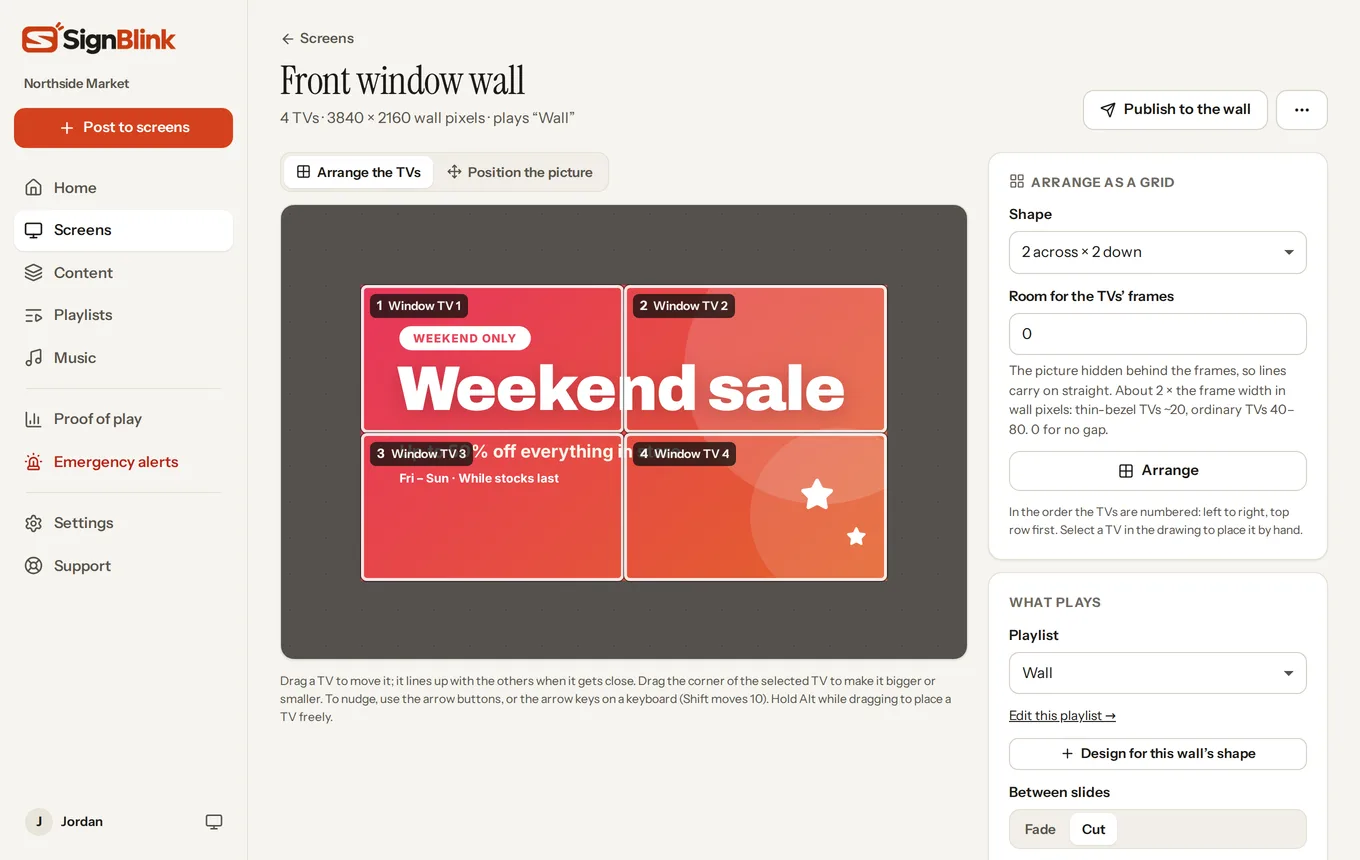
Choose the screens and a layout like 2 across × 2 down. SignBlink places them, leaving room for the TVs' frames.
Pick what plays
Choose a playlist and publish. Slides change on every TV at the same moment.
Line it up from your phone.
The wall editor shows your TVs as they hang. Drag one to move it and it snaps to its neighbours; drag a corner to match a bigger or smaller TV; nudge with the arrow keys.
Turn on the alignment pattern and every TV shows its part of a grid, a circle and crossing lines. Adjust until the lines run straight from one TV to the next. Changes reach the TVs in about a second.
- Room for the TVs' frames, so lines carry on straight across the gaps
- TVs of different sizes, placed by hand
- Sound from the one TV you choose
Made for walls, not bolted on.
Every TV in step
Players keep time with SignBlink, so a slide changes on every TV together, not one after another.
Designs in the wall's shape
"Design for this wall's shape" makes a design that fills a wide or tall wall exactly, with every designer tool and template.
Place the picture
Drag and resize the picture across the TVs, or choose Fit or Fill, to frame it just how you want.
One publish
Publish to the wall and every TV gets the update, with a confirmation from each.
Plays offline
Each player keeps its content, so the wall keeps going through internet drops.
Any player
Fire TV, Android TV, Windows or Raspberry Pi. Each TV in a wall is a normal screen, so take one out any time.
Good to know.
What does a video wall cost?
Each TV is one screen at $6 a month, and the wall itself is free. A 2 × 2 wall is $24 a month. Some signage software charges for each wall on top of every screen: OptiSigns lists a video wall add-on at $25 per wall per month (see the comparison).
What hardware do I need?
One player per TV. A Fire TV Stick 4K behind each TV is the simplest; a Windows mini PC or Raspberry Pi works too. Thin-bezel TVs of the same model look best, but any TVs work. See players.
Do I need special video wall displays?
No. Ordinary TVs work. Commercial "video wall" displays have thinner frames, so the gaps between pictures are smaller.
Can the wall play videos?
Yes. Photos, designs and videos all play across the wall. Video sound plays from the one TV you choose.
How big can a wall be?
Up to 25 TVs in one wall. Grid layouts like 2 × 1, 2 × 2, 3 × 3 or 4 × 1 are a click away, and TVs can also be placed by hand.
Make your first wall today.
Try it free for 7 days. The video wall guide walks you through it.