

Features · Players
Works with the TVs you already have.
Plug an inexpensive streaming stick into any TV, or use a Windows PC, a Raspberry Pi or the TV's own web browser. SignBlink's free player apps start by themselves, stay full screen and recover on their own.
Fire TV and Android TV
The SignBlink TV app turns a Fire TV Stick, Fire TV Cube, Google TV Streamer or Android TV box into a dedicated player: it opens at power-on, keeps the screen awake, plays sound and takes real screenshots of the TV. Install it in five minutes from signblink.com/tv.
Windows PCs and mini PCs
The SignBlink app for Windows opens full screen at startup, on the display you choose, and updates itself. One computer can run a different screen on each of its displays. Download it from signblink.com/windows.
Raspberry Pi
One command turns a Raspberry Pi 4 or 5 into a sturdy, low-power player that signs in, opens SignBlink and keeps the screen awake by itself, for months without a touch.
Smart TVs and any browser
Open app.signblink.com/play in a smart TV's browser, a computer or a tablet, enter the code, and you're showing content. Perfect for trying SignBlink with nothing to buy.
Every player, the same promises.
Delivery receipts
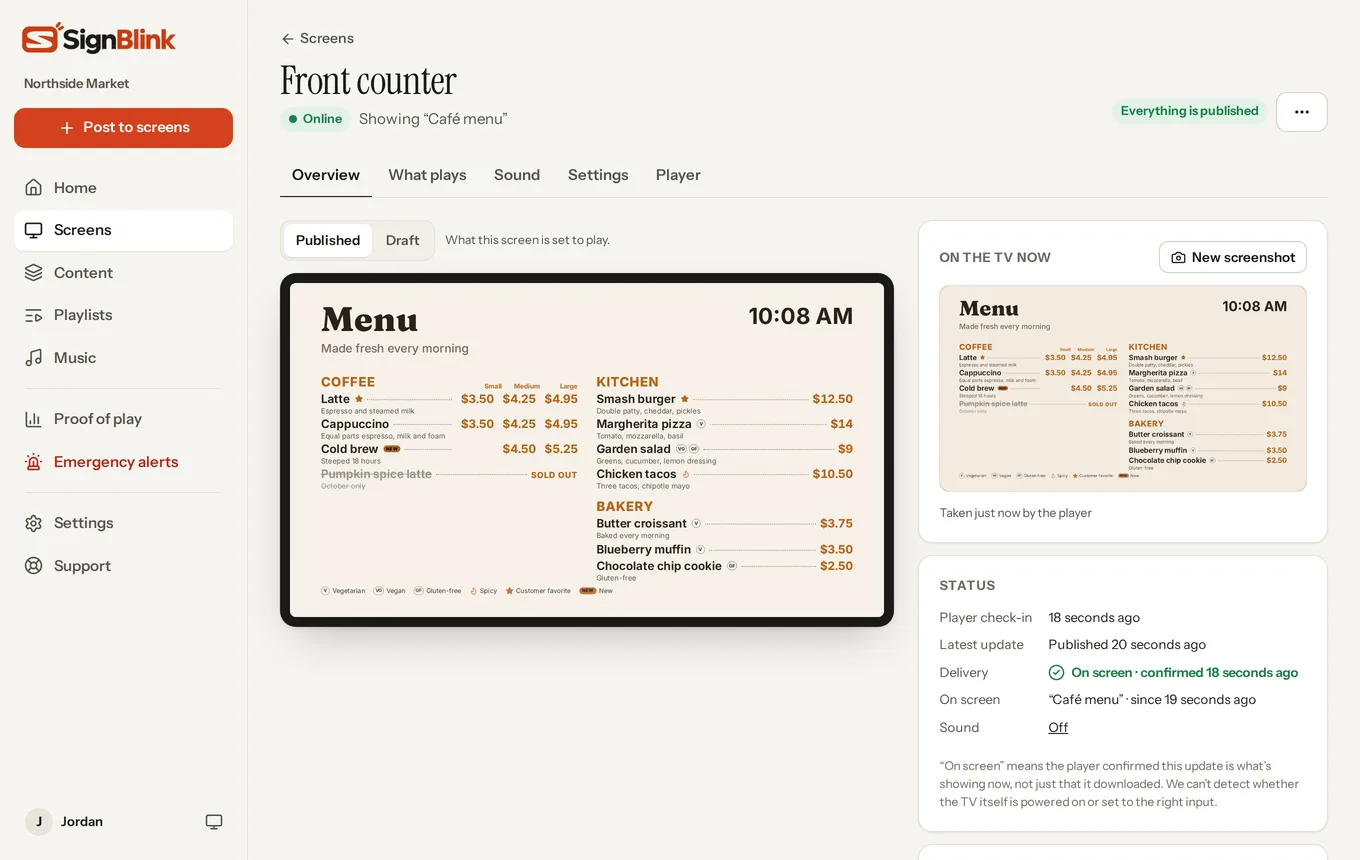
Each TV downloads everything first, then confirms the update is on screen, so green in SignBlink means it really is showing.
Plays through outages
Downloaded content keeps playing when the internet drops, and screens catch up when it's back.
Screenshots
See what any TV is showing right now, from your phone. The apps capture the whole screen, videos included.
Recovers by itself
After a crash, a power cut or a Wi-Fi drop, the apps reopen SignBlink on their own.
Always up to date
The player updates itself, so new features reach your screens without anyone touching the TV.
Tells you when it's down
Turn on email alerts to hear when a screen goes offline, and when it's back.
Swap players any time.
A screen keeps its playlists, schedules and settings whichever player runs it. Start in the TV's browser today, add a Fire TV Stick next week, and enter its code under Replace the player. Nothing else changes.
Which player should I buy?
For most TVs, a Fire TV Stick 4K: it's small, inexpensive and plays video smoothly. A Raspberry Pi suits screens that must run for months untouched, and a Windows mini PC suits 4K screens, very busy designs or two TVs from one box. More on choosing.
Do I have to buy SignBlink hardware?
No. SignBlink doesn't sell its own player: use hardware you can buy anywhere, or already have.
What about portrait TVs?
Mount the TV on its side and set the screen's orientation in SignBlink. The picture turns for you, with no settings to change on the TV or player.
Can one player run two screens?
A Windows PC can: the SignBlink app runs a separate screen on each display.
Your first screen in ten minutes.
Free for 7 days. See how it works.