

Compare · OptiSigns
SignBlink vs OptiSigns
OptiSigns is a capable signage platform with five plans from $10–$45 per screen, plus paid add-ons for video walls and background music. SignBlink puts everything in one plan at $6 per screen. Here's what that means for real setups.
What it costs, month to month.
Monthly billing, before tax, for the cheapest OptiSigns plan that has what each setup needs.
A café: 3 menu boards with background music
Menus, schedules and music on three TVs.
- OptiSigns Standard + music add-on
- $75
- SignBlink
- $18
$684 a year less
A school: 12 screens with emergency alerts
Hallway and lobby screens that can show a lockdown in seconds.
- OptiSigns Pro Plus
- $180
- SignBlink
- $72
$1,296 a year less
A shop window: one 2 × 2 video wall
Four TVs showing one big picture.
- OptiSigns Standard + video wall add-on
- $65
- SignBlink
- $24
$492 a year less
Try your own numbers.
Per month, monthly billing. Each wall's TVs count as screens too.
Feature by feature.
Where a feature needs a particular OptiSigns plan or add-on, the plan and its monthly price per screen are shown.
| Feature | SignBlink | OptiSigns |
|---|---|---|
| Price per screen, monthly billing | $6, everything included | $10–$45 depending on plan |
| Scheduling and split screen | Included | Standard $10 |
| Menus from Google Sheets | Included | Standard $10 |
| Proof of play reports | Included | Pro $12.50 |
| Emergency alerts | Included | Pro Plus $15 |
| Automatic weather warnings (US) | Included | Pro Plus $15 (emergency feeds) |
| API | Included | Pro Plus $15 |
| Touch kiosk designer | Touch buttons and a kiosk template, included | Engage $30 (Kiosk Designer Pro) |
| Video walls | Included | Add-on, $25 per wall per month |
| Background music | Included | Add-on, $15 per screen per month |
| Team members | No limit | 25 on Standard; no limit from Pro |
| Offline playback | Included | All plans |
| Free option | 7-day free trial, no card | Free plan for up to 3 screens, with limits and an OptiSigns logo on screen |
| Single sign-on (SAML) | Google sign-in and two-step verification | Pro Plus $15 |
OptiSigns plans and prices from optisigns.com/pricing, checked October 25, 2026, in US dollars with monthly billing; annual billing is 10% less. OptiSigns' Enterprise plan ($45) needs at least 25 screens. Prices and plans change, so check their site for the latest. OptiSigns is a trademark of its owner; SignBlink isn't affiliated with OptiSigns.
Where OptiSigns is ahead.
We'd rather you choose with the full picture.
- A free plan. OptiSigns is free for up to 3 screens, with limits. SignBlink has a 7-day free trial.
- Their own player hardware. OptiSigns sells a ready-made player. SignBlink runs on Fire TV, Android TV, Windows and Raspberry Pi devices you buy anywhere.
- Enterprise sign-in. SAML single sign-on on their higher plans. SignBlink has Google sign-in and two-step verification.
- A bigger app library. OptiSigns lists over 140 apps, plus wireless presentation and an ads portal. SignBlink covers the ones businesses use most (see them) and reaches the rest through Zapier and Make.
Switching takes an afternoon.
Keep your hardware
Fire TV sticks, Android TV boxes, Windows PCs and Raspberry Pis all run SignBlink. Install the SignBlink app on the same device. Players
Bring your content
Upload your images, videos and PDFs, or rebuild designs from our templates in minutes. Uploading
Publish and watch it arrive
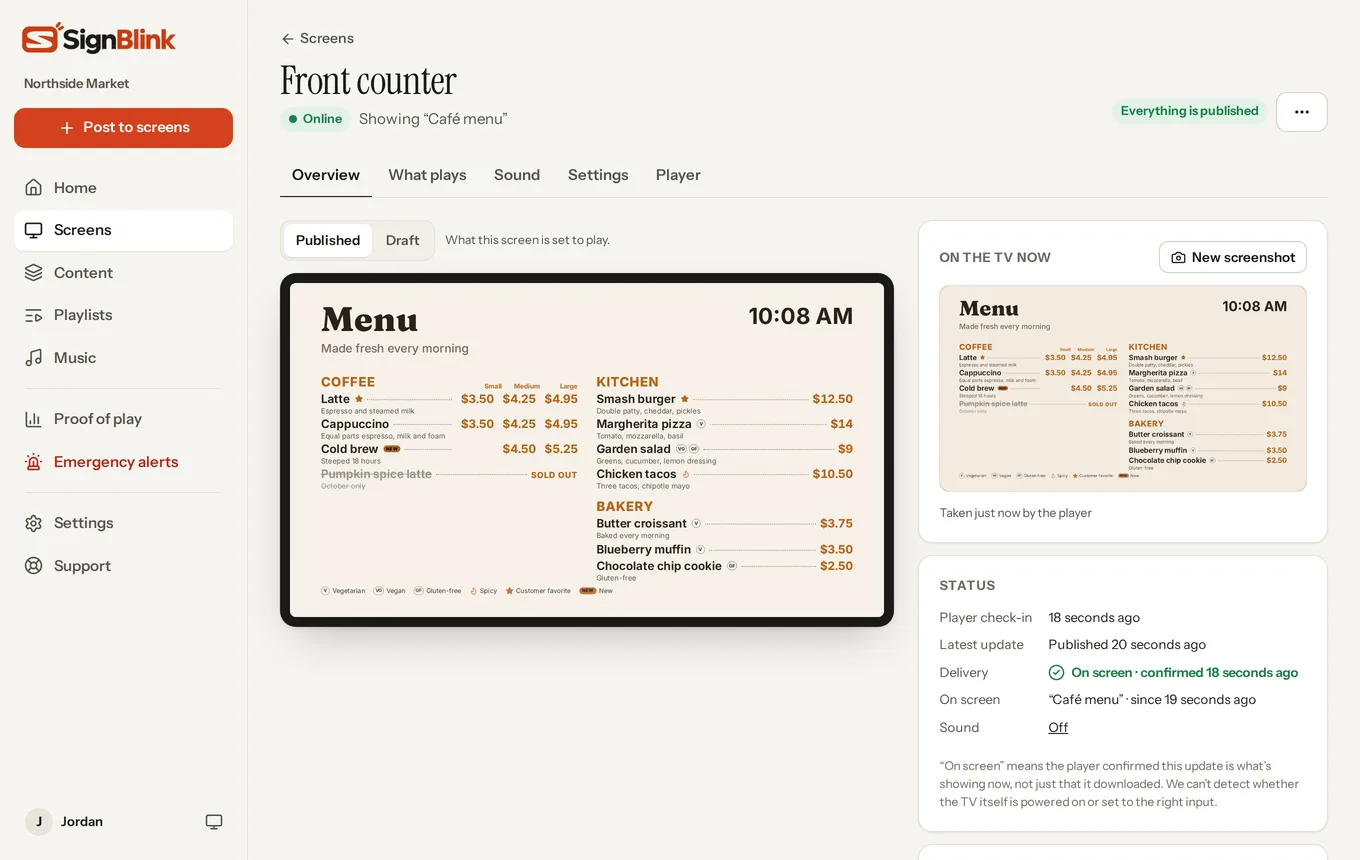
Each TV confirms your update is on screen. Publishing
Try SignBlink free for 7 days.
No card needed. Set up one screen beside your current system and compare for yourself.